


Your home is more than walls and doors. Today, it is also your phone, your Wi-Fi, and the photos you share. One small mistake can let strangers into your life. A fake message can take your money. A photo posted by your child can show where you live. This guide is for every family in Pakistan. You don’t need to be a tech expert. Just follow simple steps to keep your home safe online.
One Wi-Fi for All? That’s a Big Risk
Most homes in Pakistan use just one Wi-Fi name and password. Your phone, your child’s tablet, the smart TV, and even the neighbor’s phone all connect to the same network. If one device gets a virus, it can spread to everything. A guest might download a fake app. Your child might click a “win free mobile” ad. Suddenly, your bank details are at risk.
The fix is easy: make two Wi-Fi names. Keep one for your family phones and laptops. Make another for guests, smart TVs, bulbs, or cameras. This way, even if something goes wrong on the guest network, your personal files stay safe. Open your router page (type 192.168.0.1 in your browser), look for “Guest Network,” and turn it on. Give it a new name and password, done.
Fake Messages Steal More Than Money
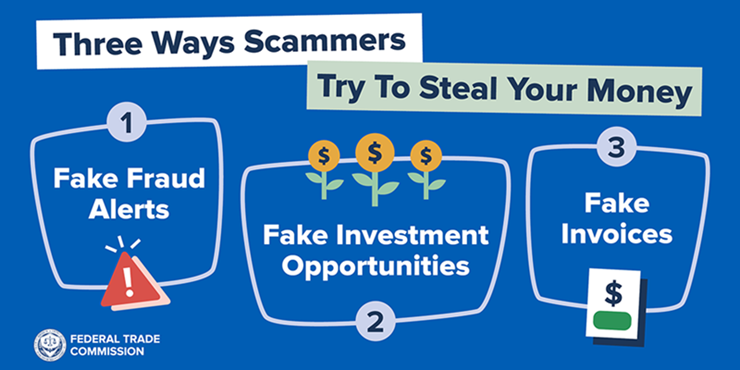
Every week, thousands of Pakistanis get calls or texts like “You won 5 lakh rupees!” or “Your CNIC is blocked, send the OTP code now.” Many fall for it. One auntie in Lahore shared her ATM PIN and lost 80,000 rupees in minutes. An uncle clicked a fake Netflix link and woke up to an empty bank account.
Remember three rules: Never share the code that comes on your phone. No real bank or police officer asks for your PIN or password. If a prize or discount sounds too good to be true, it’s fake. Teach your children: “Show every strange message to parents before clicking.”
Family Photos Can Tell Strangers Too Much
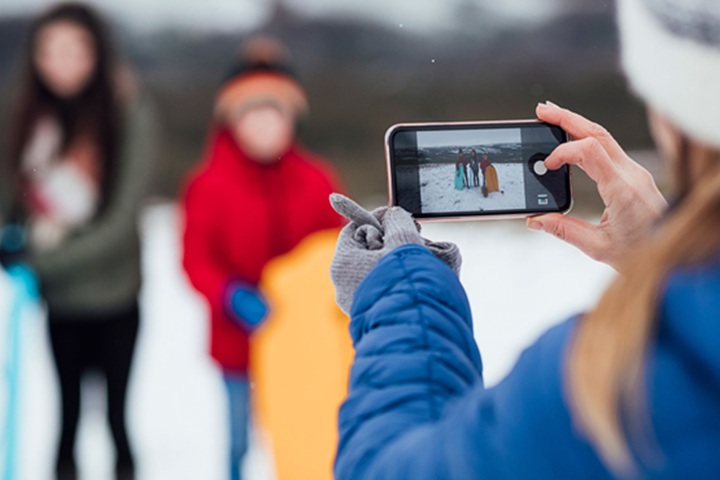
Your child posts a cute photo in school uniform. It looks harmless. But the school name, area, and time are visible. Strangers now know where your child studies. A cousin tags your home location on a vacation photo. Robbers see you’re away. Before posting any photo, ask: Is the house number or street sign visible? Can anyone see the school badge or uniform? Is location turned on? Turn off location in your phone camera settings. Use WhatsApp’s “View Once” for personal photos. Make a family rule: no one posts without asking an adult first.
Weak Passwords Open Every Door
Seven out of ten people in Pakistan use the same password for Facebook, bank, and email. If someone guesses one, they get them all. Birthdays, “123456,” or “allah123” are easy to guess. Make a strong password from a sentence you remember. For example: “I eat biryani every Friday!” becomes IlovebiryaniFriday! Write all passwords in a small notebook and keep it hidden. Never save them on your phone.
Keep Your Phone Safe as it’s Your Pocket Bank
Lock your phone with a six-digit PIN, not just face or fingerprint. Update apps when your phone asks. Download games or apps only from the Play Store or App Store. Never click links promising free diamonds, UC, or mobile loads. For children, use Google Family Link. It’s free. Set a bedtime, no YouTube or TikTok after 9 PM. Check what apps they install.
Your Family Safety Promise
Print this and stick it on your fridge and rooms wall:
- We use two Wi-Fi names, Main and Guest.
- We never share phone codes with anyone.
- We check every photo before posting.
- We use strong passwords written in a secret book.
- Kids show strange messages to parents. Phones lock with a six-digit PIN.
Start Today, Stay Safe Tomorrow
You don’t need costly gadgets. Change one Wi-Fi password. Teach one child about fake messages. Check one photo before sharing. Small steps build a strong wall around your home, both outside and online.
Your family deserves peace of mind. Protect it.
Nice
Thank you for your valuable feedback!